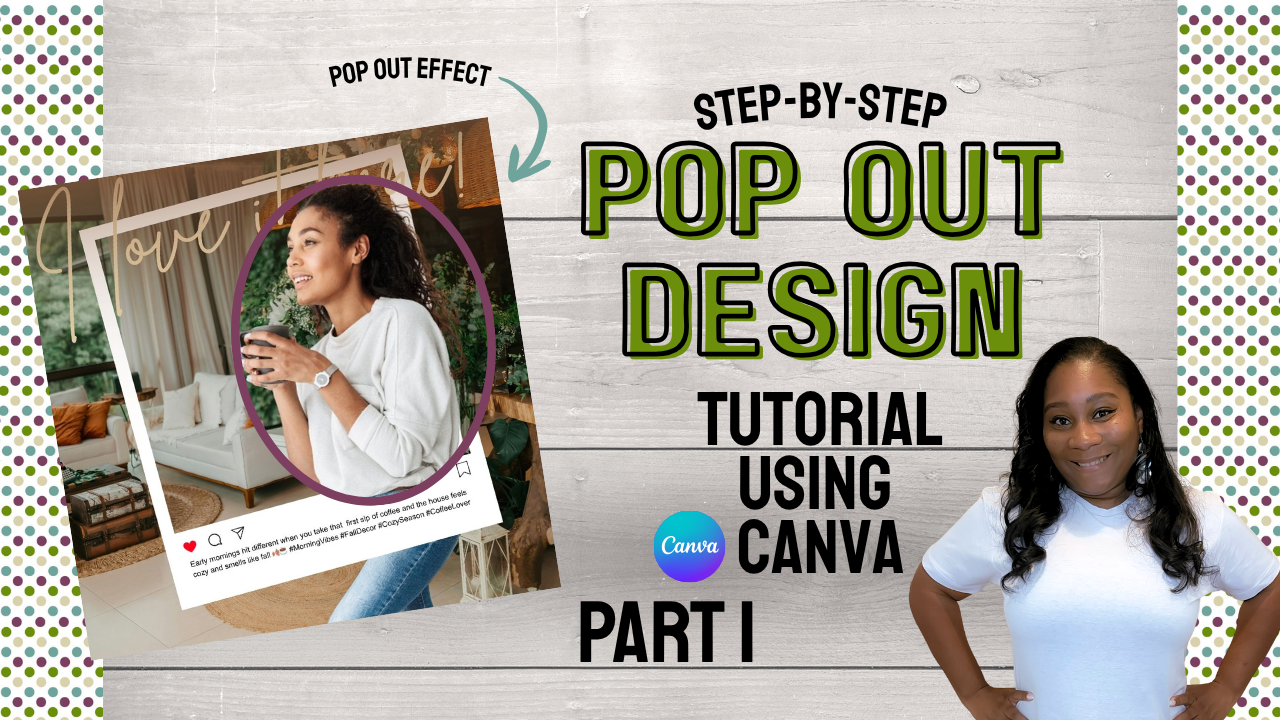
Ready to take your Canva designs even further? 💪 In Part 3 of my Pop Out series, I’ll show you how to create a dynamic, motivational graphic with a pop out effect that makes your visuals leap off the screen.
Catch up with Part 1 and Part 2 first if you’re new to the series.
What You’ll Need
- A Canva account (Canva Pro if you use Background Remover)
- A photo for your graphic
- A motivational quote or message
What You’ll Learn
- How to pair the pop out effect with a motivational message
- How to choose bold fonts and colors that grab attention
- How to arrange your layout so the quote and image work together
- How to save your design for posting
Want custom social media graphics for your business? Visit my Services page, and let’s create something together.
Want a free printable?
Join my email list and I’ll send you my Emergency Contact List, plus new tutorials as soon as they’re posted.